
Products
Solutions & Partners
Professional Services
Resources
Professional badge printing, self-service kiosks, QR scanning, and real-time attendance tracking. Your attendees walk in, get their badge, and go — no lines, no friction.
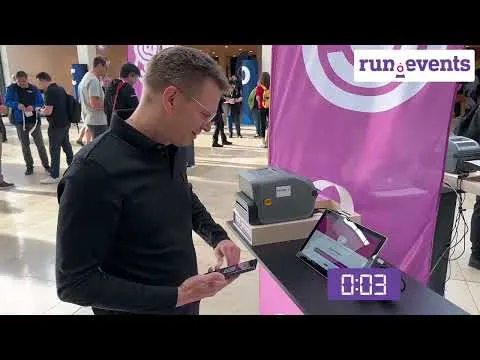
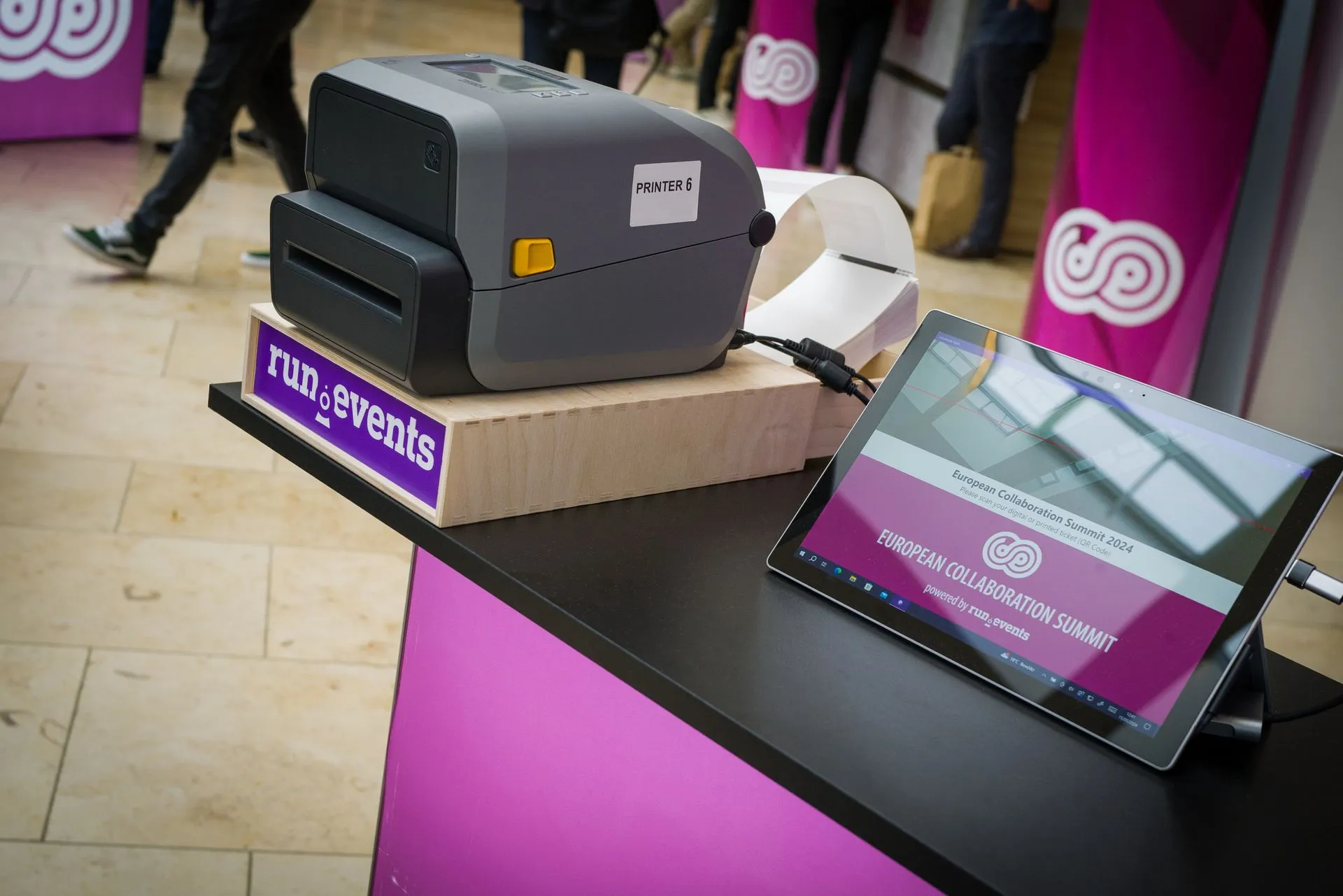
Badge design, printing, staffed desks, self-service kiosks, session tracking, and access control — all built into one system.
Drag-and-drop badge editor with templates, custom sizes, and support for professional design imports
Full-color and thermal printer support — Epson, Zebra, Brother, Canon — with instant on-demand printing
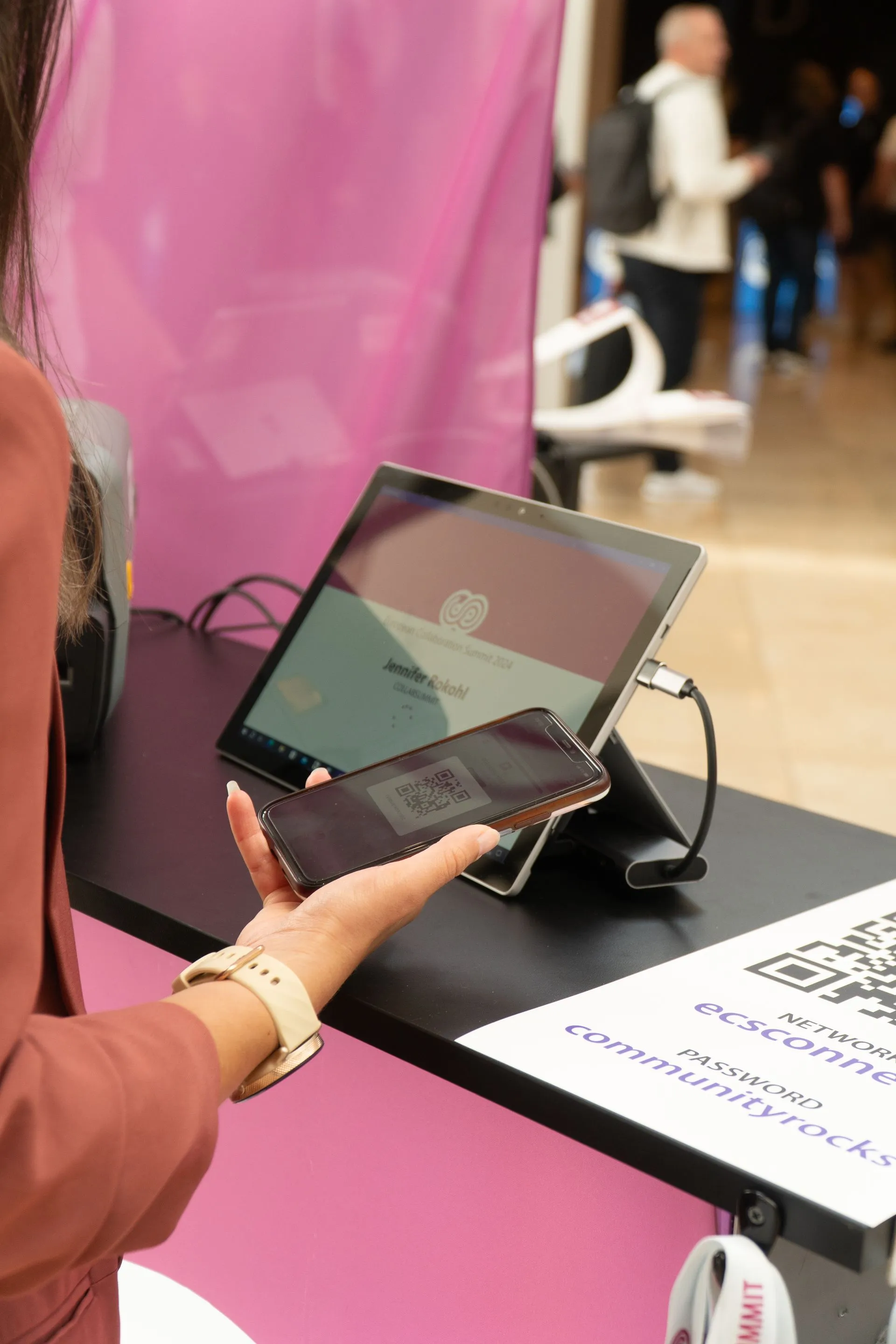
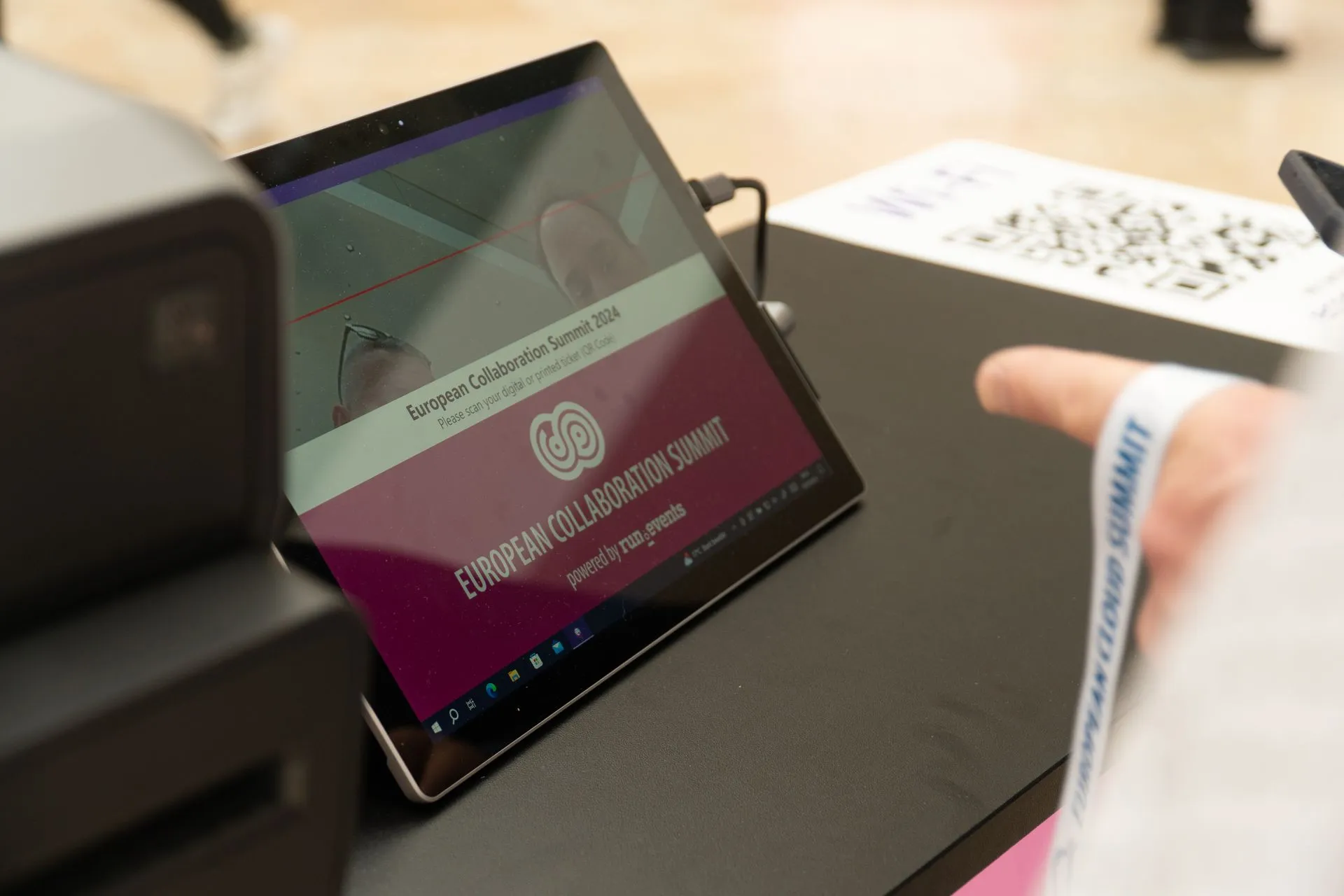
2-second check-in with barcode or QR code scanning from any device with a camera
Attendees scan, print their badge, and walk in — no staff needed, under 10 seconds
Advanced support desk management for VIPs, walk-ins, badge replacements, and edge cases
Session-level and room-level check-in with capacity tracking and overbooking management
Real-time attendance numbers, check-in rates, and flow analytics as your event unfolds
Instant badge invalidation and reissue — old badges are locked out automatically
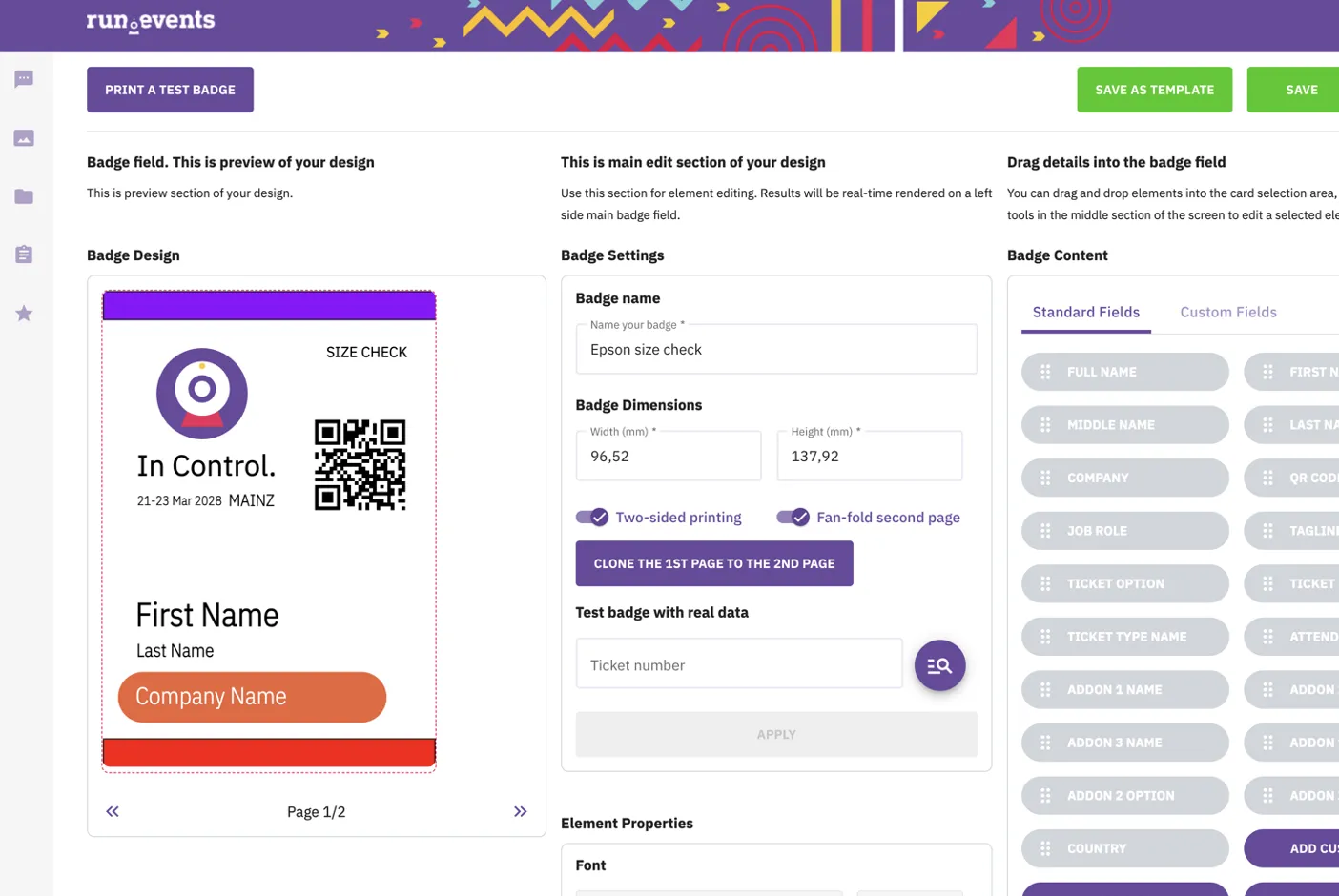
Design professional badges with the built-in editor, import from Photoshop or Illustrator, or start from templates. Different designs for different attendee types — speakers, VIPs, staff, sponsors — all printed automatically.
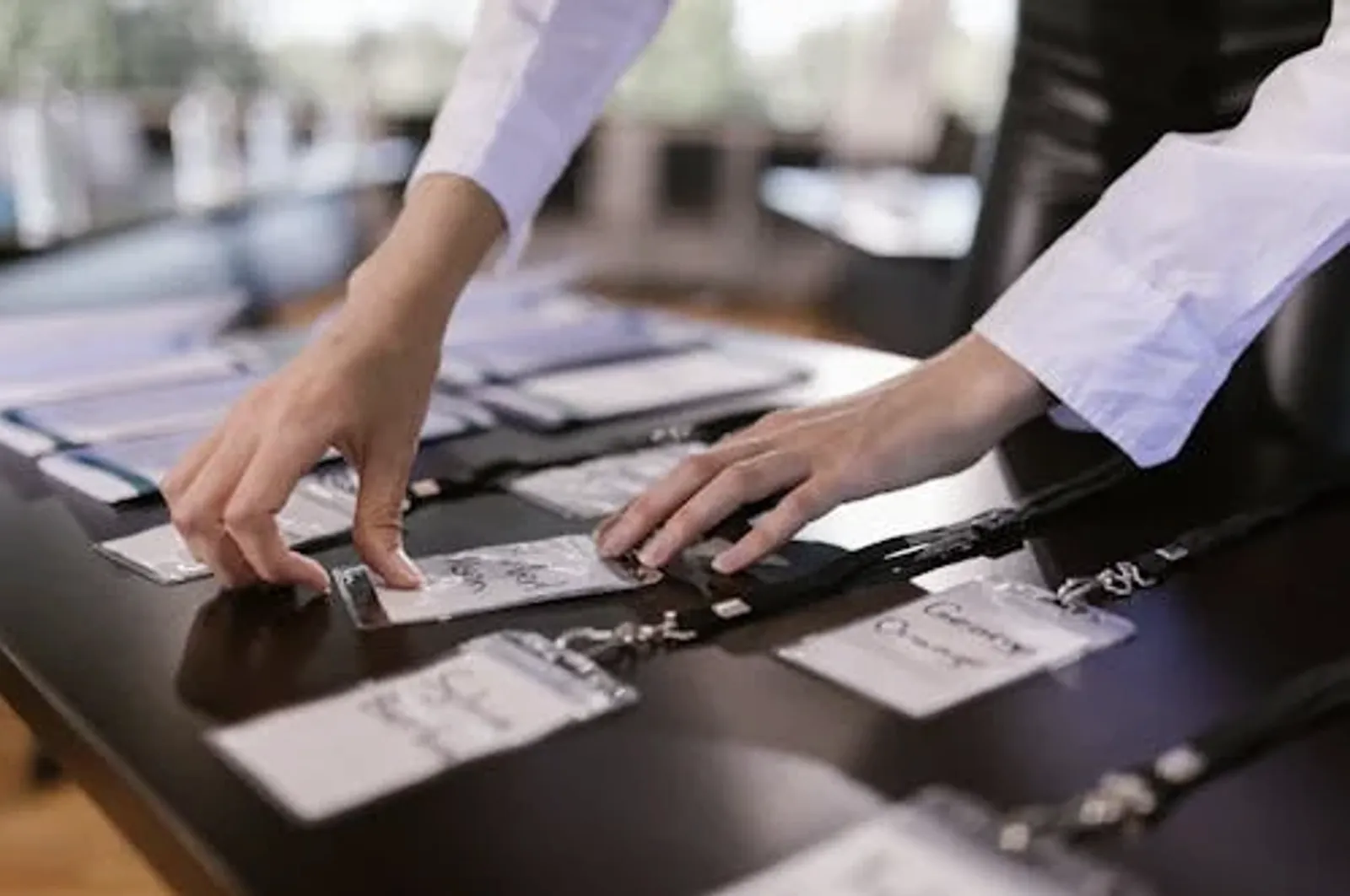
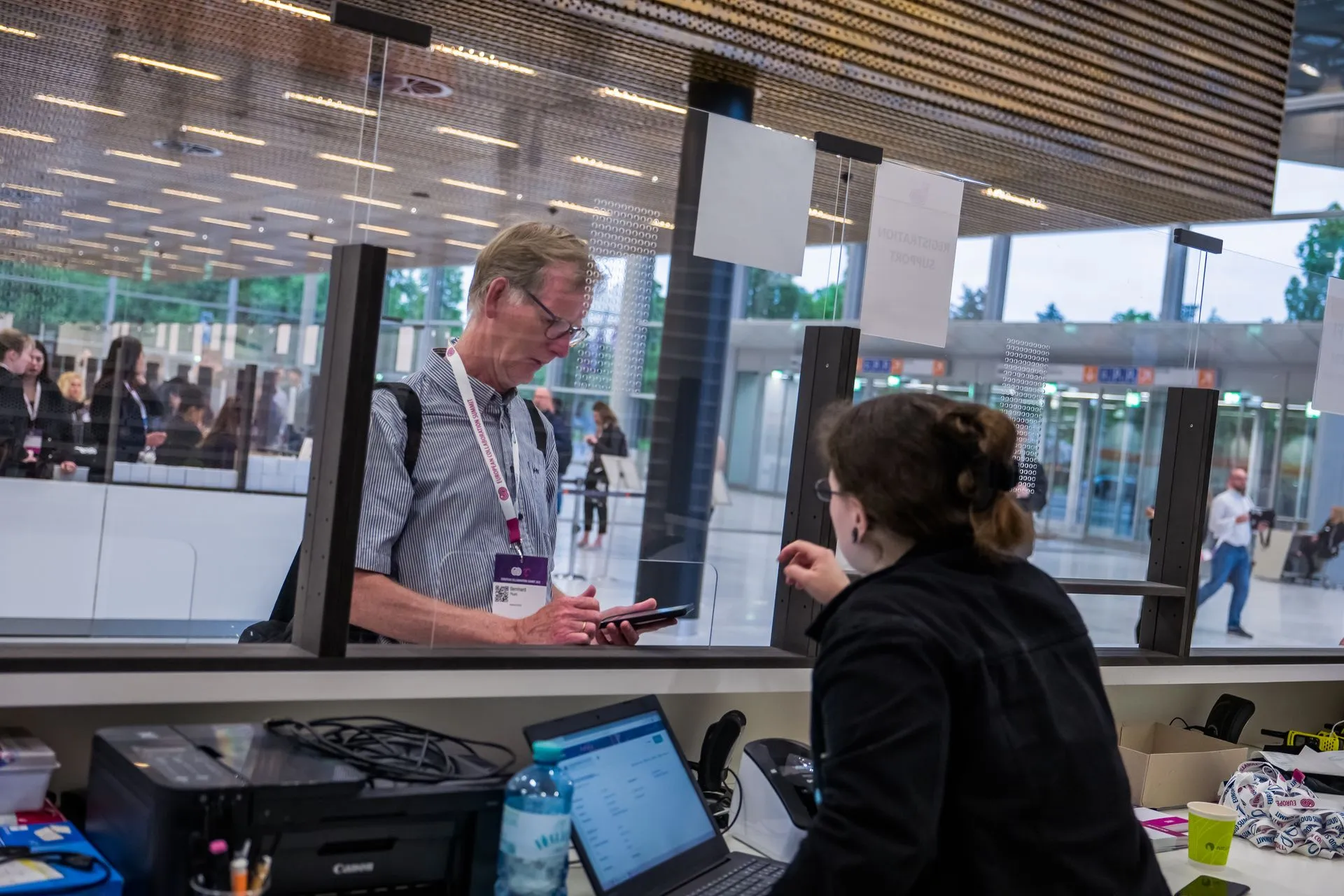
Your staff scans the QR code, the system selects the right badge design, and printing starts immediately. Walk-ins, VIP upgrades, and badge replacements — all handled from one screen.
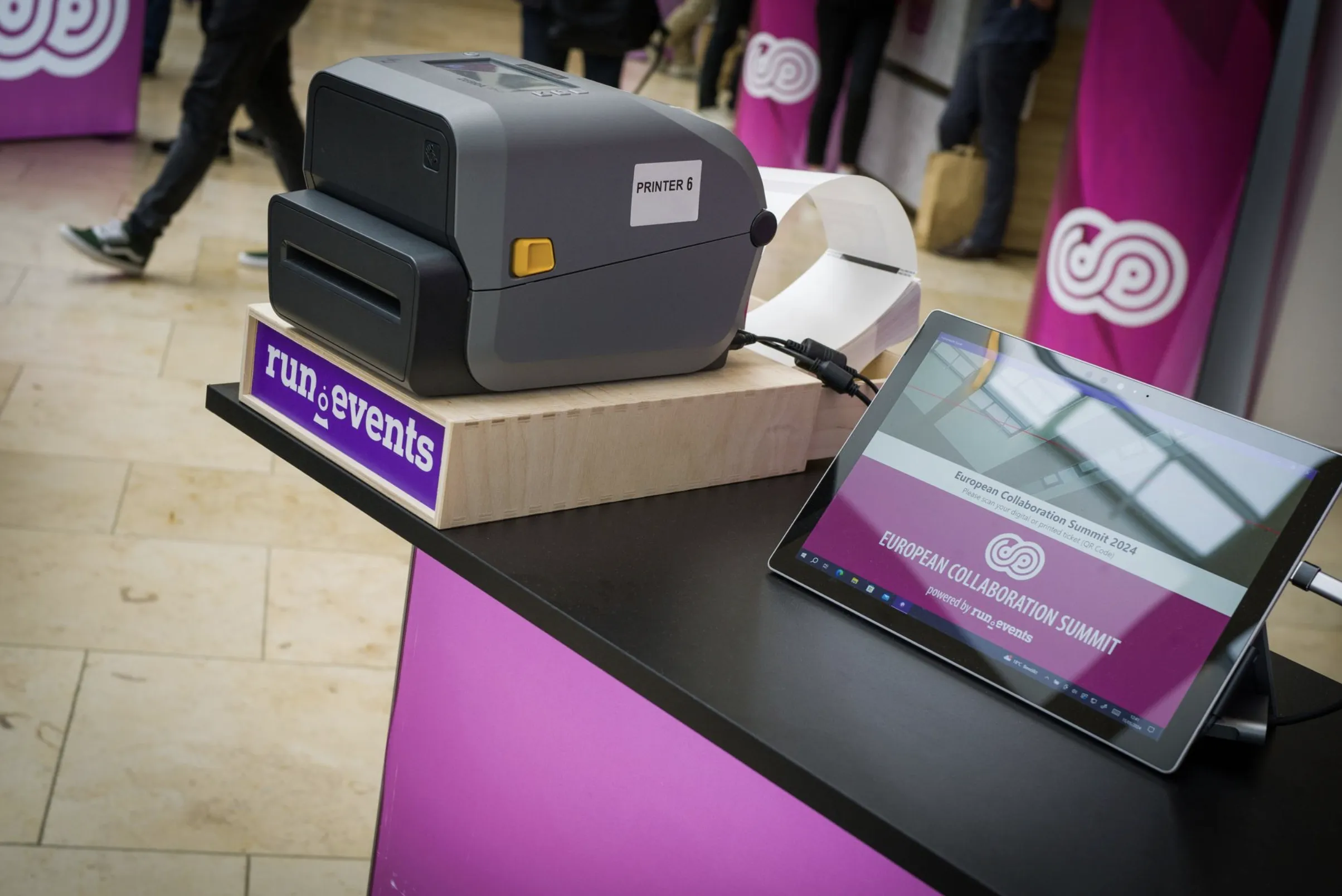
Attendees check themselves in and print their badge in under 10 seconds — no staff interaction needed. Place kiosks strategically to distribute flow and eliminate queues.
Track attendance at the session level with self-service or staffed check-in per room. Monitor capacity in real time and manage overbookings before they become a problem.


From the moment someone registers to the moment they leave, run.events keeps a complete record. Profiles carry across events, so returning attendees are recognised instantly — with their preferences, history, and ticket type ready at the desk.
Common questions we help event teams answer before their event day.
When a replacement badge is issued, the previous badge is automatically invalidated. If someone tries to use a deactivated badge, they're locked out.
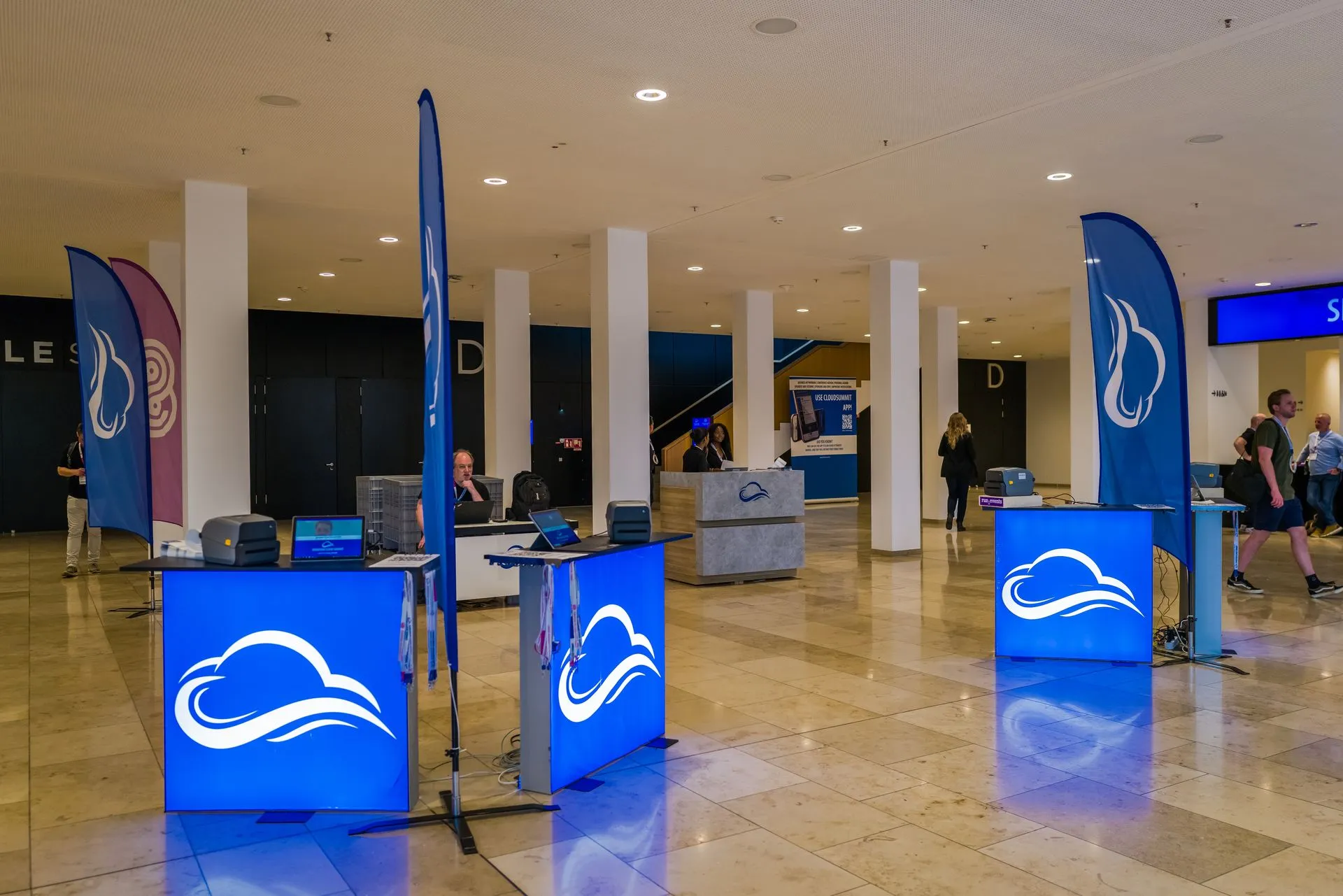
Options for utilizing staffed registration desks and self-service terminals. Most events use a combination for the best attendee flow.
Your check-in requirements and budget should determine your hardware — whether you're buying or renting barcode scanners, printers, and kiosks.
Deciding between handling registration in-house, renting equipment, or outsourcing to a professional badging company.
ECS checked in 3,000 people in less than 90 minutes with a combination of self-service kiosks and staffed desks. Nobody waited more than 4 minutes.
Enter your email and we'll show you how it works for your event
EU-hosted · GDPR-native · No commitment required
Our thoughts on event management, technology, and event communications.

A real comparison of per-registration and flat annual event software pricing with a TCO template for your budgeting.

Damir Tomicic
Sep 24, 2026
See how run.events customer care actually works, from included support to full event-day hypercare, before you need it.

Nina Baras
Sep 17, 2026
Conference management software and expo management software need different pricing.

Adis Jugo
Sep 8, 2026