
Products
Solutions & Partners
Professional Services
Resources
From badge design to the last session scan — everything needed to run a smooth event entry. Designing badges, printing on demand, operating multiple check-in stations, managing walk-ins, controlling session access, and running fully offline-capable kiosks.
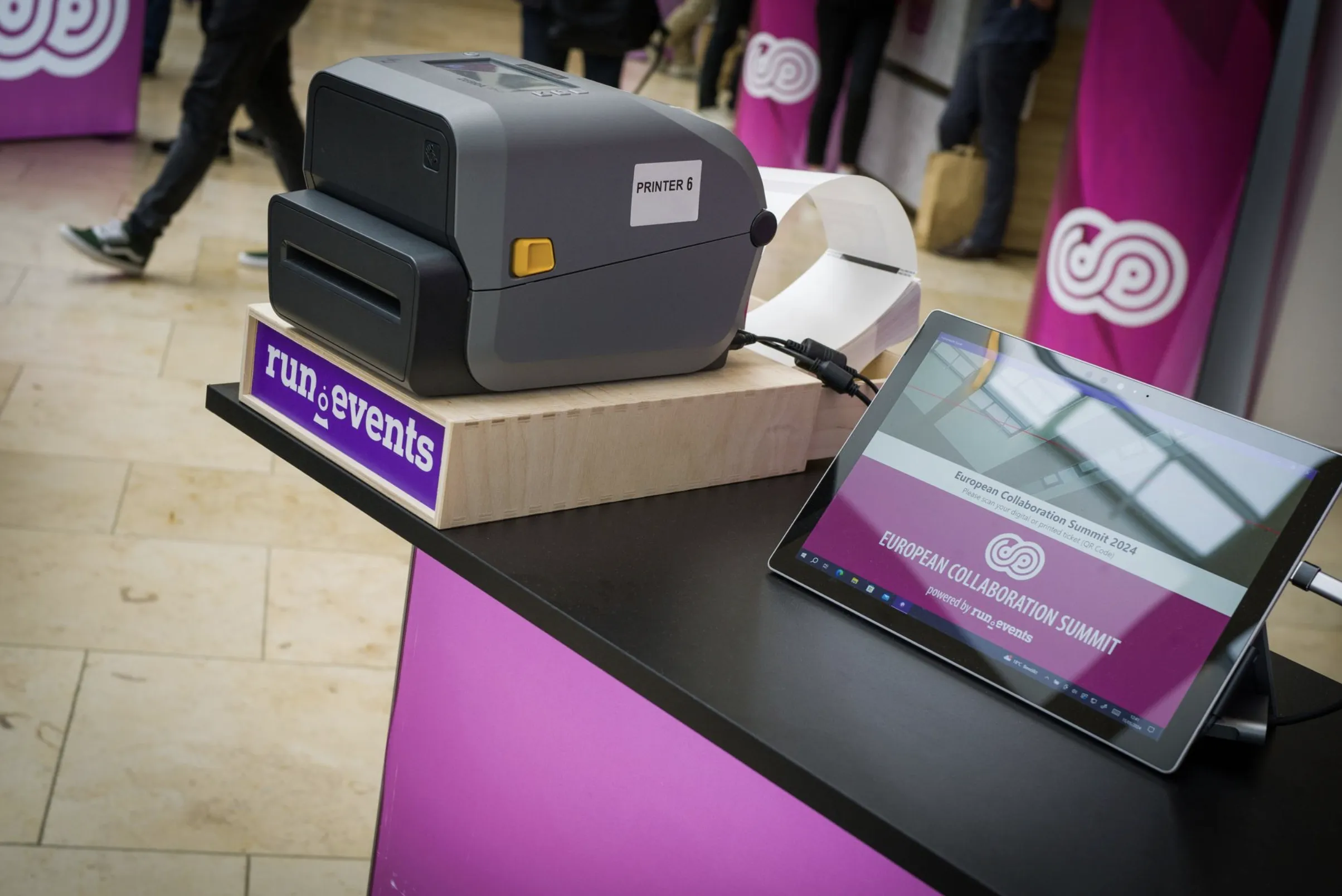
Every aspect of the event day entry experience — badge design and printing, multiple check-in stations, walk-in handling, and offline-capable session access control — all from one native platform.
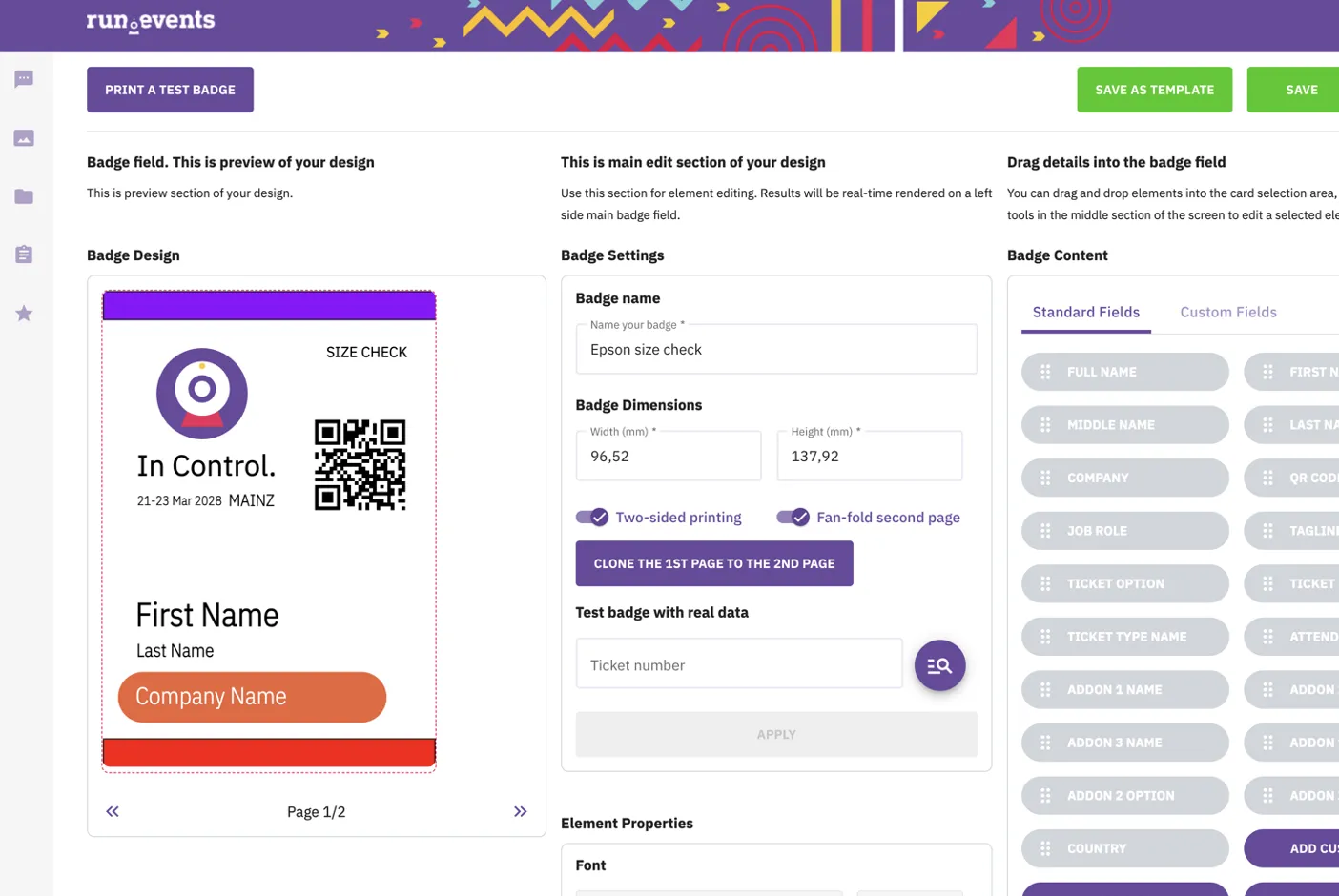
Visual WYSIWYG designer with real-time preview, dynamic fields, multi-page badges, two-sided printing, and fan-fold continuous feed support.
On-demand printing at registration desks, self-service kiosks, and at home — with configurable paper sizes and print-at-home templates.
Multiple registration desks, support desks for walk-ins and issues, and self-service kiosks — all synchronised in real time.
Staff or self-service session check-in with room QR codes, configurable windows, and full event-wide attendance logs for compliance.
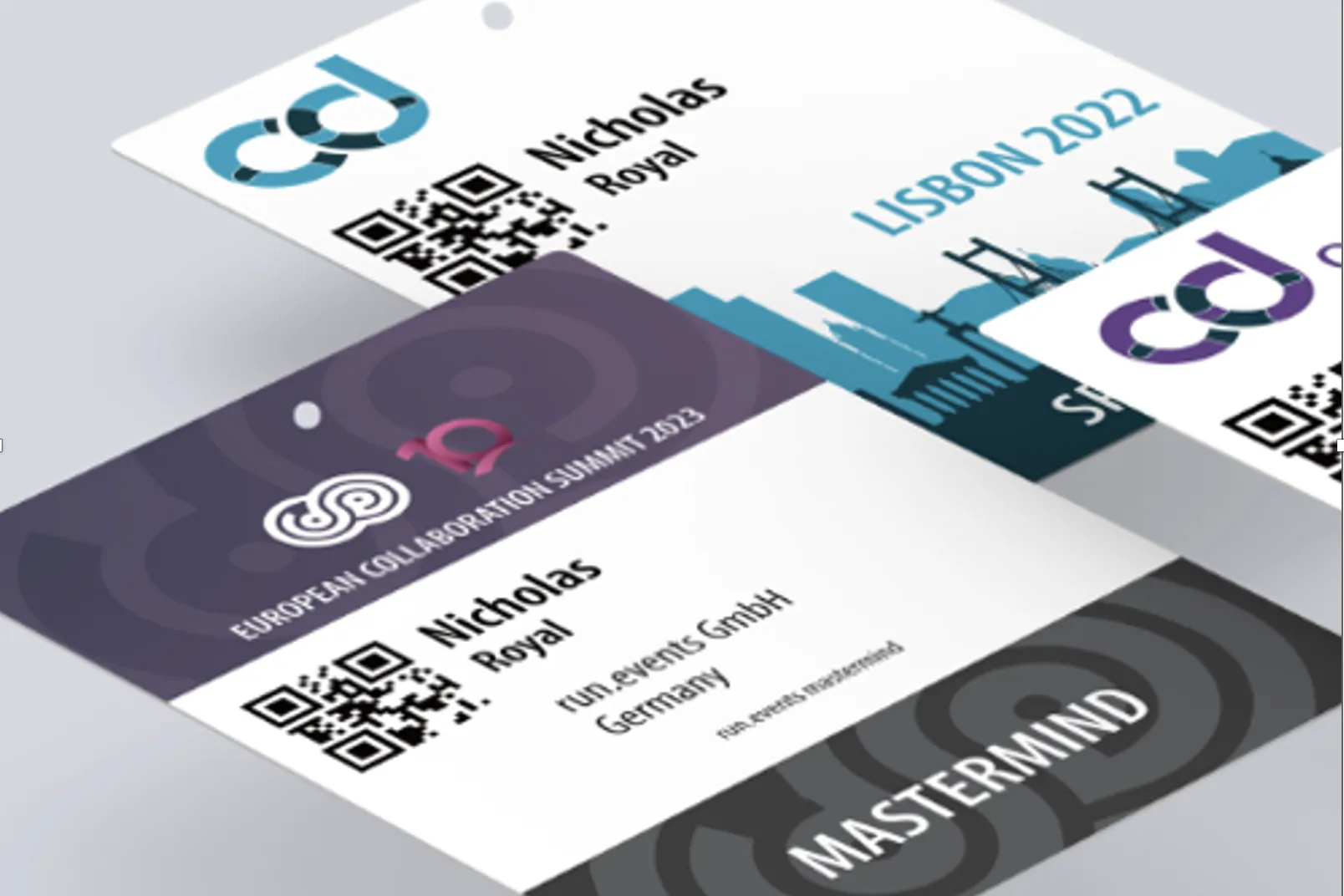
Create badges with dynamic fields, logos, and custom layouts — with real-time preview as you work. Support for multi-page badges (up to 4 pages), two-sided printing, fan-fold continuous feed printers, and various badge sizes.
Auto-populate full names, companies, job titles, countries, attendee roles, ticket types, add-ons, profile photos, and unlimited custom registration fields
Up to 4 pages per badge with two-sided printing support — perfect for agendas, sponsor logos, and venue maps on the back
Create badges individually or in batches, assign unique badge numbers, track creation history, and manage badge validity status
Native support for fan-fold printers and various badge sizes — from standard A7 to custom enterprise formats
Issued — #B-00127
09:14 · Kiosk 2 · Sarah M.
Invalidated — #B-00127
14:32 · Support Desk · Reason: Lost
Reissued — #B-00412
14:33 · Support Desk · Linked to original
Instantly revoke access when badges are lost, stolen, or compromised. Invalidated badges are immediately blocked from scanning at every check-in point. Issue replacements with new unique numbers while maintaining linkage to the original ticket and full replacement chain history.
Invalidation propagates in real time to all kiosks, desks, and scanning devices — no more risk of duplicate entry
Record who invalidated each badge, exact timestamp, and detailed reason — for compliance and security reviews
Every reissue is linked to the original ticket — reconstruct the full chain for any attendee at any time
Enable print-at-home per event with A4 or US Letter templates — reducing queues and pre-printed inventory
Registration desks, support desks, and self-service kiosks — each with role-based permissions, per-station performance tracking, and offline capability.
Scan ticket QR codes or enter numbers manually for real-time validation. Configure multiple stations with role-based permissions, per-station performance tracking, and real-time sync to prevent duplicate check-ins.
Handle ticket assignment, badge reprinting, registration issues, and attendee support. Look up tickets by name or email, process on-site walk-in registrations with full integration into ticketing, pricing, and badge designs.
Deploy via QR code provisioning in hostess mode (staff-operated) or self-service mode. Tablets, kiosk terminals, and touchscreen devices with printer connectivity — remotely managed.
Kiosks function without internet, storing check-ins locally and syncing automatically when connection is restored — guaranteeing zero downtime at the venue.
Total check-ins, per-operator statistics, session attendance summaries, scanner/operator identification, admission decisions, and check-in locations with configurable re-entry policies.
Event-wide attendance tracking with entry timestamps, operator identification, admission decisions, and check-in locations — for compliance and post-event analytics.
Enable session check-in with configurable time windows, allow or restrict multiple check-ins in the same slot, and choose between staff-operated scanning or attendee self-service — or combine both approaches per session.
Generate unique QR codes per room that attendees scan with the mobile app to self-check into sessions — enabling gamification coin awards
Station staff at room doors with badge scanners to validate eligibility and record attendance against configured session windows
Per-session and per-room check-in logs including timestamps, method (staff scan vs. self-service), and attendance patterns
Choose whether attendees can check into the same session multiple times — useful for drop-in formats or strict once-only workshops
A free purpose-built mobile app enabling event staff to manage check-in and session access control through QR code badge scanning. Initialise via QR code configuration key, pull all event data automatically, and feed scanning activity straight into real-time dashboards.
Initialise the app via configuration key, defining role (hostess/session check-in or global check-in) — no manual setup per device
Global check-in mode for venue entry; session check-in mode for session doors with configurable time frames
Every scan feeds straight into organiser dashboards — with operator identification and per-device performance tracking
Purpose-built, fast, and included with Check-In and Badging at no additional cost — deploy on staff phones or rental devices
Access Control App
Granted — Sarah Miller
VIP Pass · 09:14:22
Granted — James Wong
Regular · 09:14:18
Denied — Invalidated
Badge #B-00127 · 09:14:10
1,284
Scans today
99.8%
Success rate
From professional full-colour badge printers to cost-effective label printers and standard office printers — run.events adapts to your existing setup.
Full-colour professional badge printing with fan-fold media for high-volume events
Cost-effective label printing for smaller events and quick badge production
Compact label printers ideal for name badges, lanyards, and adhesive labels
Print on standard A4/Letter sheets using any office printer — or prepare files for professional print shops
Get the full overview of Check-In and Badging in a beautifully designed PDF — perfect for sharing with your team, stakeholders, or sponsors.
Enter your email and we'll show you how Check-In and Badging works for your event
Access Control App included · iOS & Android · No extra cost